Give your S-Corp clients the reasonable comp documentation they need — without becoming a specialist.
WageProof is reasonable compensation software for CPA firms. For each S-corp client it writes a reasonable compensation study: a report that prices the work the owner actually does with Bureau of Labor Statistics wage data for the client’s area, and names the source of every wage figure. Send your client a questionnaire or fill it out yourself. Annual plans run from $499 for 10 reports to $1,499 for 60 ($24.98/report), with your brand on every report on Professional and Firm plans.
Already know you want it? Create a client report — about 15 minutes.
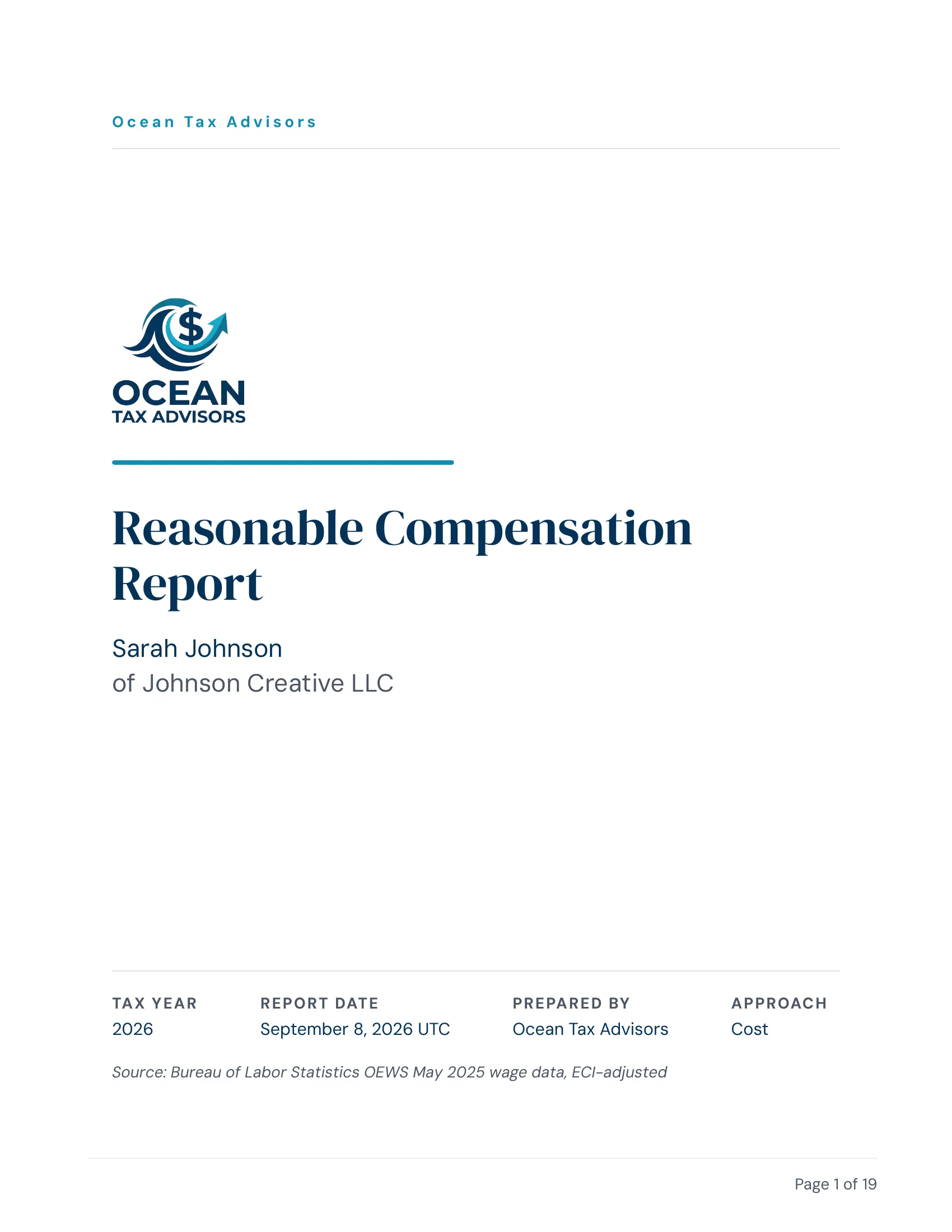
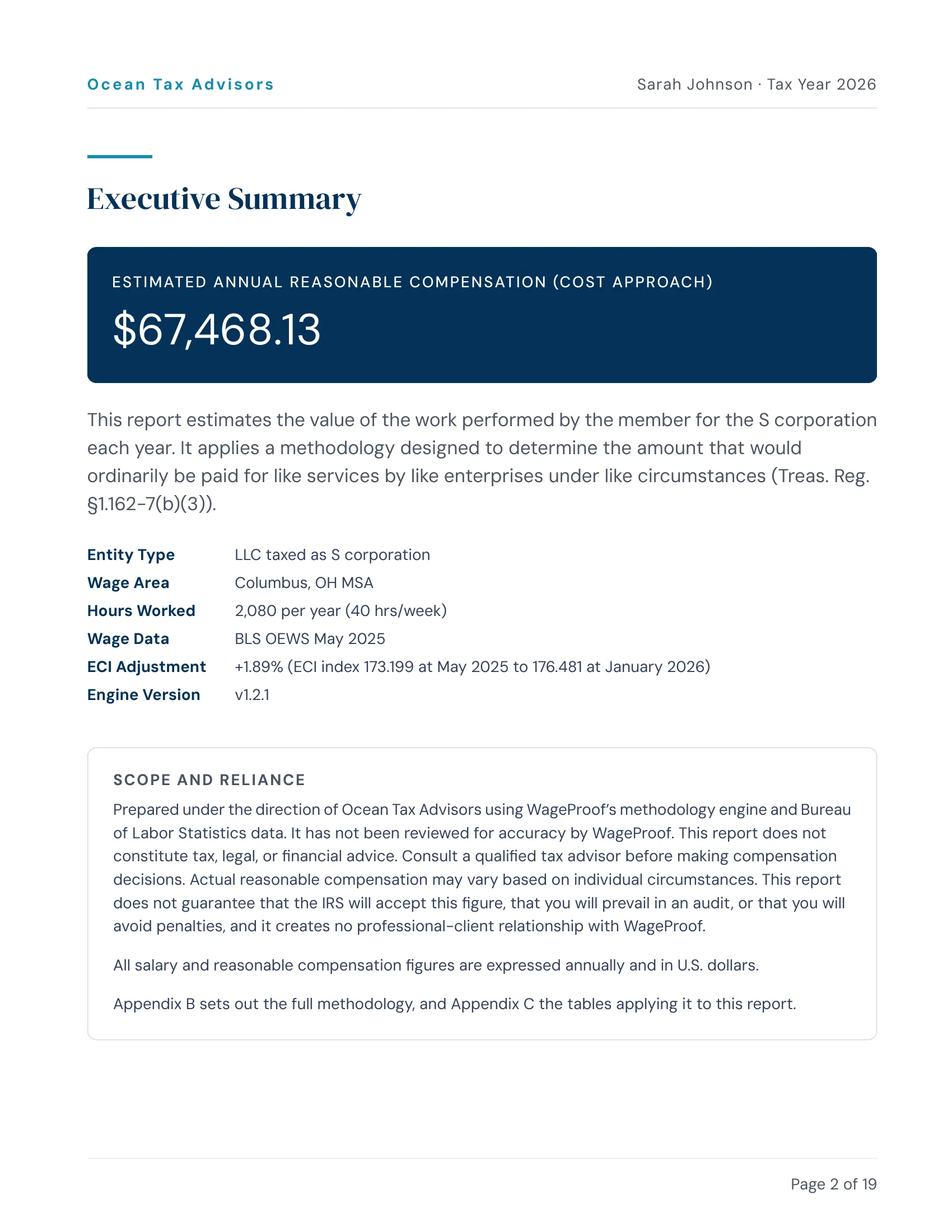
Every report goes out under your firm’s name.
Upload your logo once and enter the exact hex codes for your firm’s primary and accent colors. Every report is branded automatically, so the PDF your client gets carries your firm’s look.
Available on Professional and Firm plans.
What would reasonable comp reports add to your practice?
Enter what you’d charge and how many S-corp clients need a report. We’ll pick the plan that fits best and show what you keep.
One for each S-corp client, every tax year.
Your profit
You keep $6,501 a year- You keep per report
- $433.40
- Plan paid for after
- 2 reports
You bill clients $7,500 a year
- WageProof
- $999
- You keep (87%)
- $6,501
Best fitProfessional
$999 a year
30 reports included · $66.60 per report at 15 a year
Starter + one 10-report pack would be $1 less, but Professional covers 10 more reports, puts your logo on every report and gives up to 10 people a seat.
An estimate from the numbers you enter, at WageProof’s current prices. Best fit is the cheapest plan for your team, or the plan above it when that costs less than one more $199 report. Plan reports reset each year; extra reports are bought the cheapest way ($199 each, or a 10-report pack at your plan’s rate). Your profit here is before your own time and other costs.
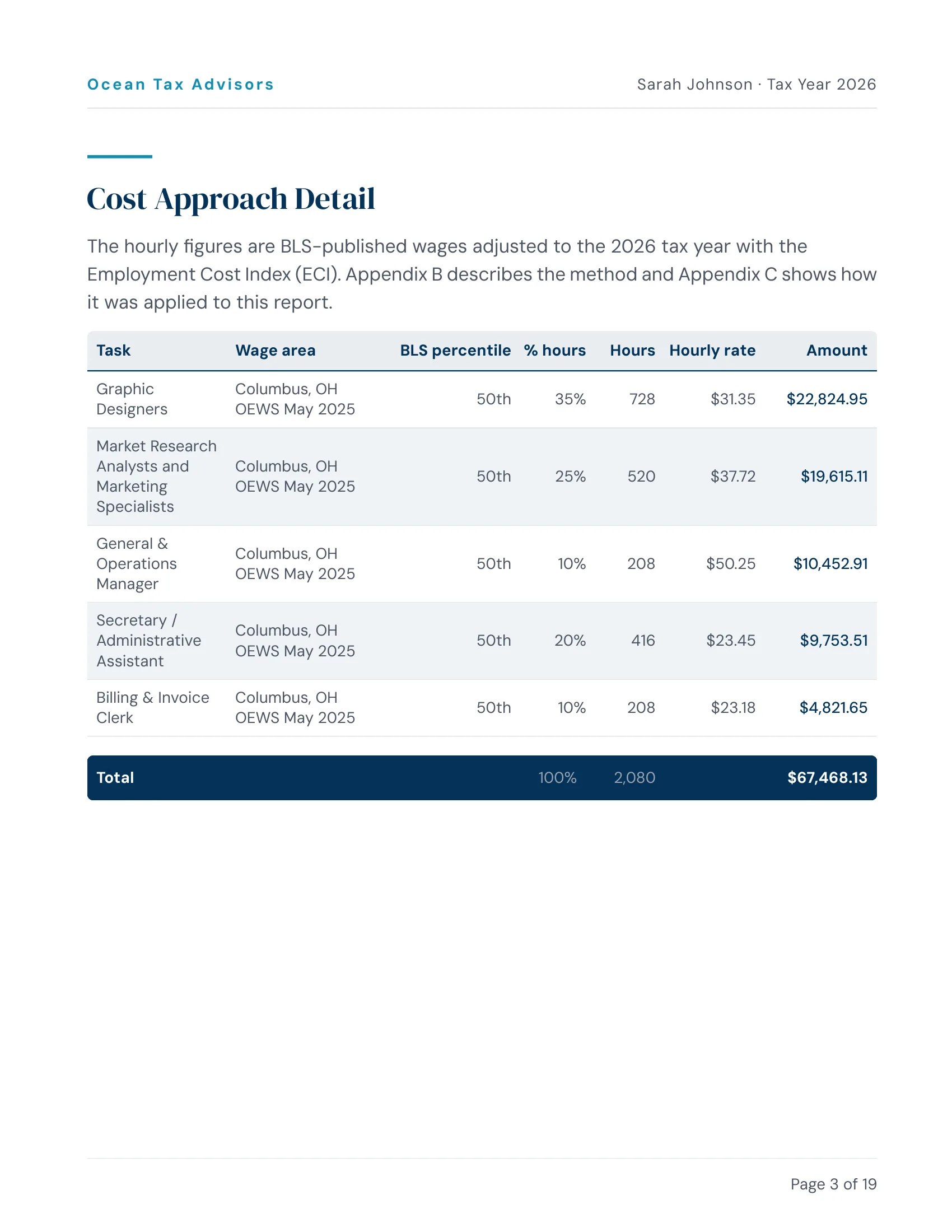
Every hourly rate traces to a published source.
Full PDF with task-by-task breakdown, BLS source citations, methodology documentation, and a written consent or board resolution template matched to the client’s entity type. No proprietary databases. No black boxes.
One account for your whole firm.
Professional and Firm plans support multiple seats on one firm account — a shared client roster, a shared pool of reports, and role-based permissions.
Included on Professional (up to 10 seats) and Firm (unlimited seats) plans.
Documentation protects everyone.
When the IRS questions an S-Corp salary, they want to see how the number was determined. A documented report with sourced data helps protect your client from reclassification — and you from preparer-penalty exposure under IRC §6694. An owner’s salary has to be paid by the last payroll of the year, which makes November and December the time to check it. Our year-end guide for CPA firms lists which clients to check first.
IRC §6694(a): $1,000 or 50% of the fee, whichever is greater
TIGTA 2021-30-042, single-owner returns filed 2016-2018
Radtke, 7th Cir. 1990
Questions from tax pros
Yes. You can buy a 10-report pack at a discounted per-report rate — $499 on Starter, $349 on Professional, $249 on Firm. It's a one-time purchase, not a change to your subscription. The Account owner buys packs from the Billing page any time the plan is active. Your plan's reports are always used first; pack reports are used after those run out, and unlike plan reports they don't expire at renewal — they stay on the account until you use them. Single reports are also available at $199 each.
View pricing plans →Yes, on Professional and Firm plans. Professional supports up to 10 seats; Firm supports unlimited seats. Starter and Pay Per Report stay at one seat. Everyone on the account shares one client roster and one pool of reports; the firm's Account owner manages billing while admins manage the team and members handle client work.
All wage data comes from the Bureau of Labor Statistics Occupational Employment and Wage Statistics program. Where BLS's own assignment for the survey year can be confirmed, we use the wage data BLS publishes for your county's own wage area — a metropolitan area or a named nonmetropolitan area — wherever it covers the occupation. When it doesn't (some occupations are too thinly staffed in an area to be published), the report falls back to a broader or older BLS figure and states on the page which substitution it made and why. No proprietary databases, no undisclosed adjustments.
Read the full methodology →Yes. Create a report, generate a questionnaire link, and send it to your client by email. They fill it out on their own (takes 10-15 minutes), and you review their answers before generating the report.
Yes. Your firm dashboard lists all your clients with their report history and questionnaire status. You can start a new report or resend a questionnaire from the same place.
Yes. Professional and Firm plans include white-label branding. Upload your logo and accent colors once, and every client report is automatically branded with your firm's identity.
You could. But with annual plans, the time savings alone make it worthwhile. The report handles the BLS data lookup, geographic fallback logic, wage adjustments, and methodology documentation. You review the inputs and deliver the report. Your clients get a documented PDF; you skip the manual data work.
BLS publishes wage estimates for about 830 detailed occupations. The Cost Approach (Many Hats method) decomposes the owner's role into individual tasks, so an unusual business can often be covered by the combination of tasks the owner actually performs.
See how it works for your firm.
30 minutes, screen-shared. Or look at a finished report first.
Annual plans from $24.98/report on the Firm plan (60 reports/yr). View pricing
Already know you want it? Start a client report — about 15 minutes.